Emulating ZX Spectrum on my Picocalc
(Update) Download current release here: zx-picocalc download
How to learn a new software platform? Port some software to it. With that idea in mind I decided to port an emulator of Sinclair ZX Spectrum to Picocalc.
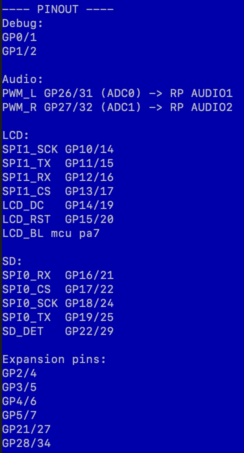
At first I looked into pico-zxspectrum project by fruit-bat. That project is huuge! It does use PIO and other advanced techniques a lot, so after few days of tinkering I decided to move to something simpler. My research wasn't all lost. One of the things I got is my Picocalc pinout cheat sheet:
Another try
I've heard about zx2040 project from antirez and I gave it a try. What a difference! A whole thing is one .c and one .h file plus some config/make stuff. So I forked the project, called it zx-picocalc and looked into configuration stuff, located in a configuration file called device_config.h.
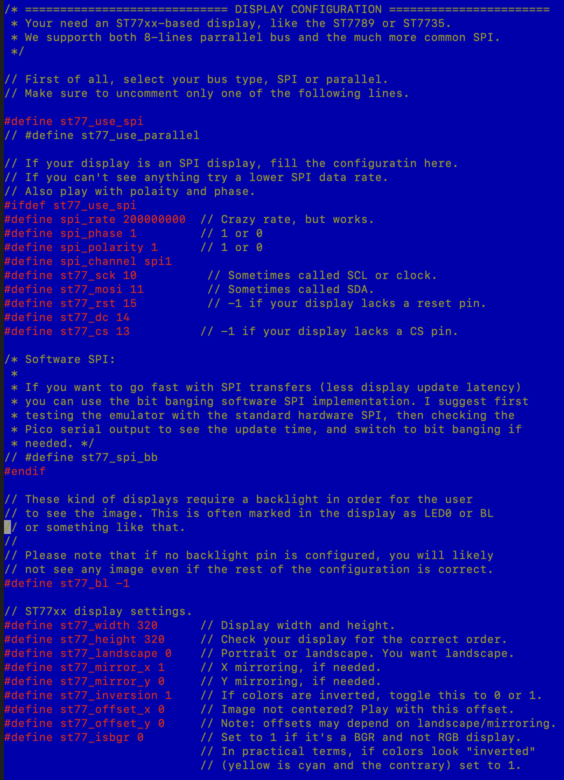
First thing: the display. Picocalc is based on Iliad ILI9488 which seems to be similar to a popular ST7789. After some tinkering, I got a Sinclair Spectrum start screen... with an info that I need to upload some game to continue. Great! These were the settings that worked for me:
Speaker seemed easy, but after setting GPIO for one of the channels, I got silence.
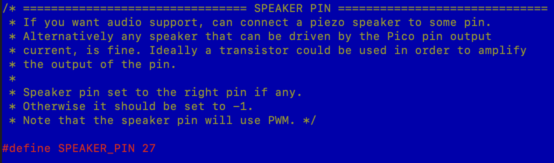
I'm not sure why, but I had to add extra configuration lines to the source code. That solved the thing. The sound is as ugly as it used to be on ZX Spectrum 48k, but that't the point I presume.
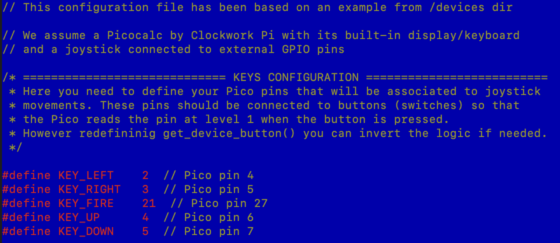
The keyboard. As it turned out, zx2040 emulator had been crafted for a device called Pimoroni Tufty that doesn't have a full keyboard. Just some arrows and stuff. The author had built a complicated keymap system that recognizes the game in device memory(!), then remaps (few) physical keys to ZX Spectrum keys and/or joystick. Picocalc has a great QWERTY keyboard with function keys and arrows, so all that work is more or less redundant. Still, in order to start somewhere I used zx2040 GPIO mapping functionality, using the pins exposed on left side of the Picocalc. I ended with something like that:
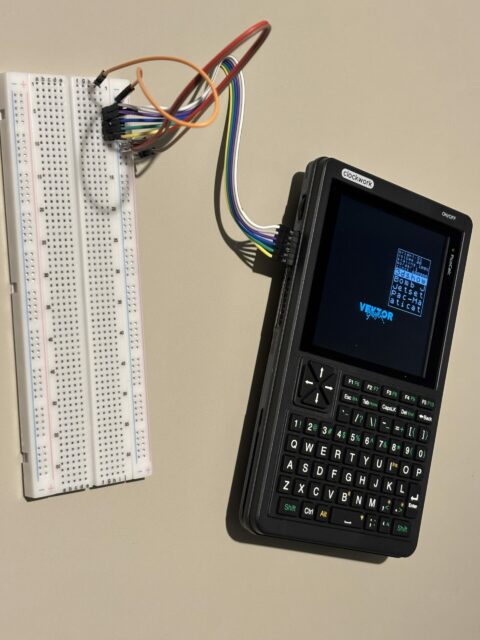 If I only had a DB9 socket and a joystick handy, I wouldn't have to control the device by manually shorting the pins to GND...
Anyway, that allowed me to confirm that the whole thing works.
If I only had a DB9 socket and a joystick handy, I wouldn't have to control the device by manually shorting the pins to GND...
Anyway, that allowed me to confirm that the whole thing works.
The next step was actual programming - I had to modify the code to add Picocalc keyboard support. That keyboard is connected through an I²C interface. I'd rather have raw row/column information because that's how Spectrum works internally, but I don't know yet how to do it. The status for now is:
- the keyboard sort of works
- no arrows / special keys. Just regular alphanumeric stuff
- it simulates key press/release events, but in a very crude way
- keyboard communication slows emulator a lot, even though I read it 5 times per second instead of 50/60
Summarizing - I'm at the very beginning, so much so I wouldn't upload my source code to my fork.
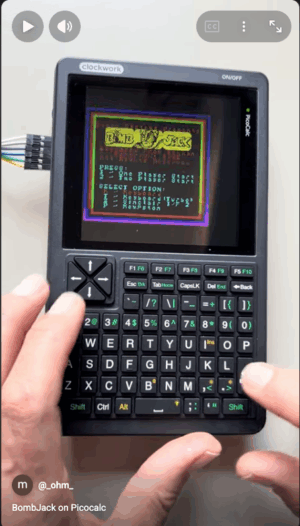
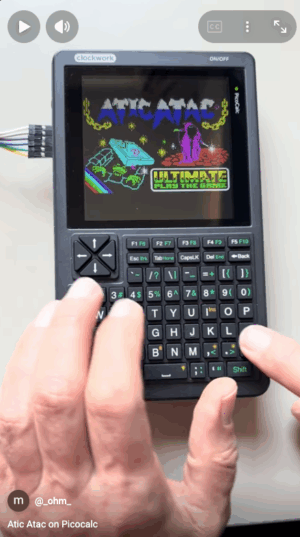
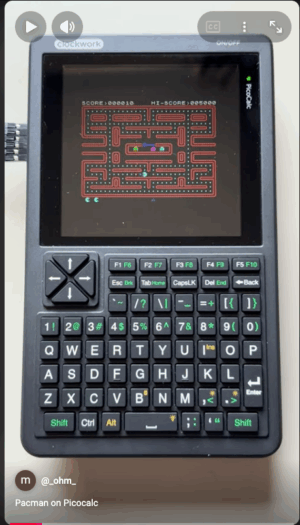
Here are some examples (click to open YouTube video):